Mobi.UZ is a mobile network operator in Uzbekistan.
How to top up Mobi.UZ Uzbekistan
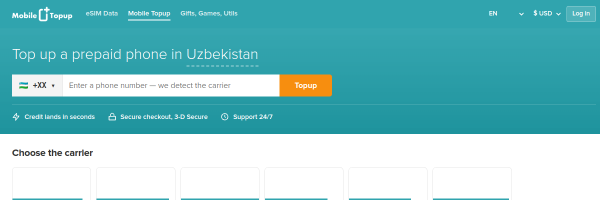
- Visit the Uzbekistan top-up page on MobileTopup.com
- Enter the Mobi.UZ phone number you want to top up
- Select a top-up amount — we will detect the Mobi.UZ carrier automatically
- Choose your payment method and complete the purchase
- The credit is delivered instantly to the Mobi.UZ number
Payment methods
Top up your Mobi.UZ prepaid credit with any payment method available at checkout:
- Credit and debit cards, including Visa, Mastercard, and JCB
- Alipay
- USDC
- Thai bank and THB wallet payment options
- Philippine Peso (PHP) payment options
- MobileTopup account balance in USD or THB
Available payment methods can vary by order, currency, and location.
Mobi.UZ details
- Country: Uzbekistan
- Check your balance: Dial
*100# - Website: mobiuz.uz
Mobi.UZ website

Top up Uzbekistan on MobileTopup.com